
Tab 3 of 6
Wish List
From the built-in tour
- Keep what you’re thinking of buyingBrowse shops right hereOr share a product page from Safari to Peel
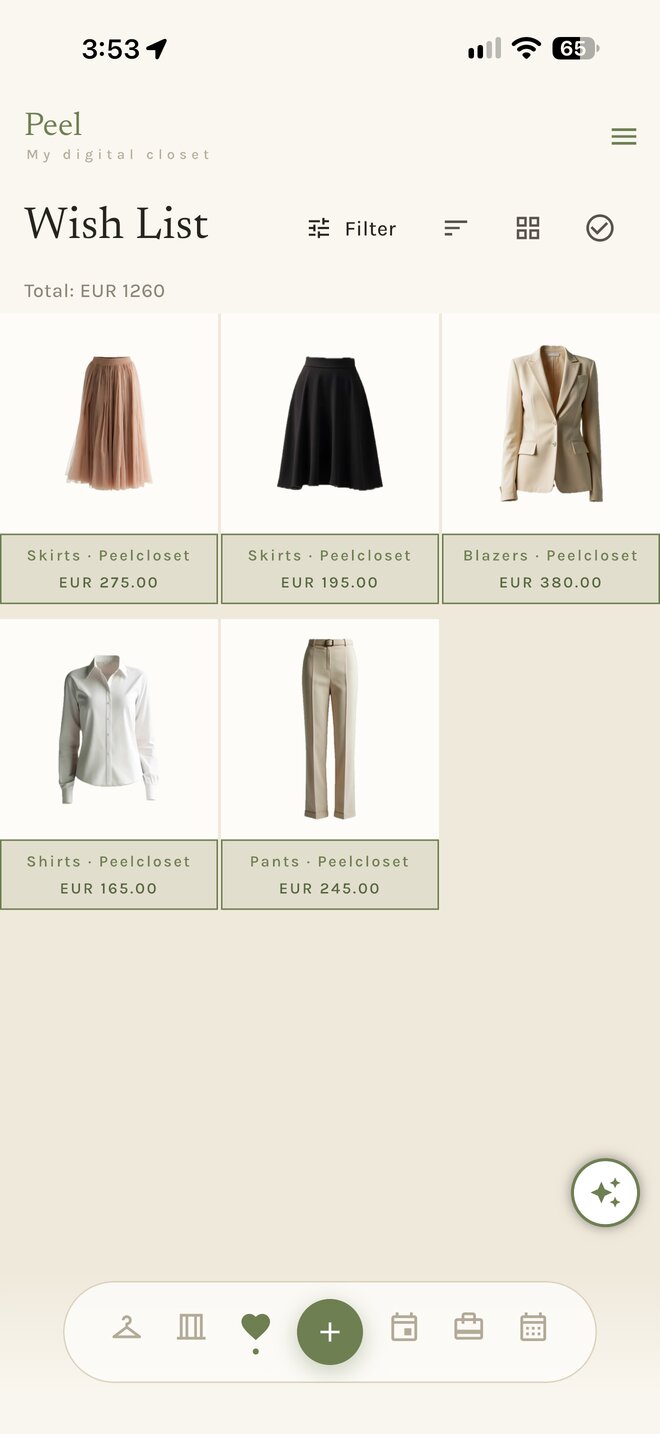
What it does
Wish List, section by section.
Keep what you’re thinking of buying
A wish is a picture, a price and a store. Keep it until you decide; when you buy it, move it into the Wardrobe with one tap and the price comes along for cost-per-wear.
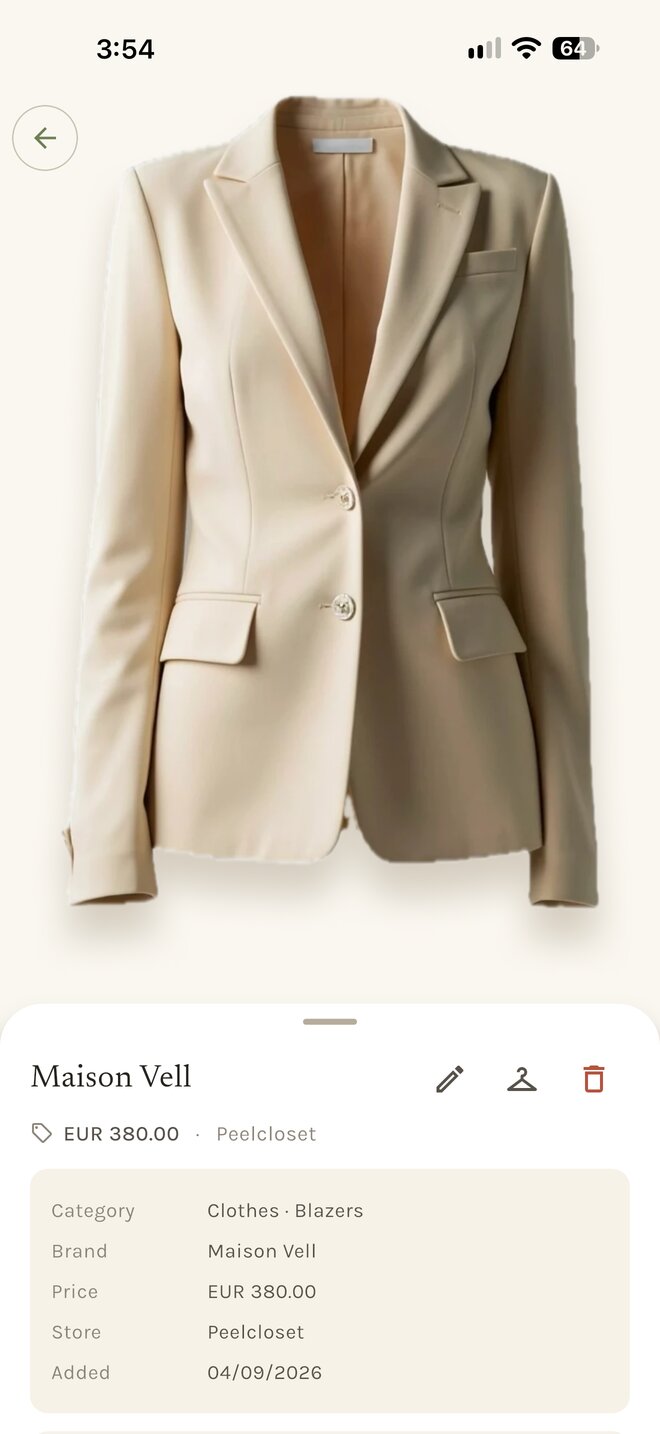
A wish’s page
Each wish keeps its photo, price, store and the link back to the product page, so you can return to it when you are ready.
Browse shops right here
A built-in browser opens your favourite stores inside Peel. When you see something, save it to the wish list with the picture straight from the page. Buying happens in Safari: when a shop reaches its checkout, the payment page opens in your own browser.
The + button adds for the tab you are in. In the Wish List tab, + adds a wish.
Seven themes
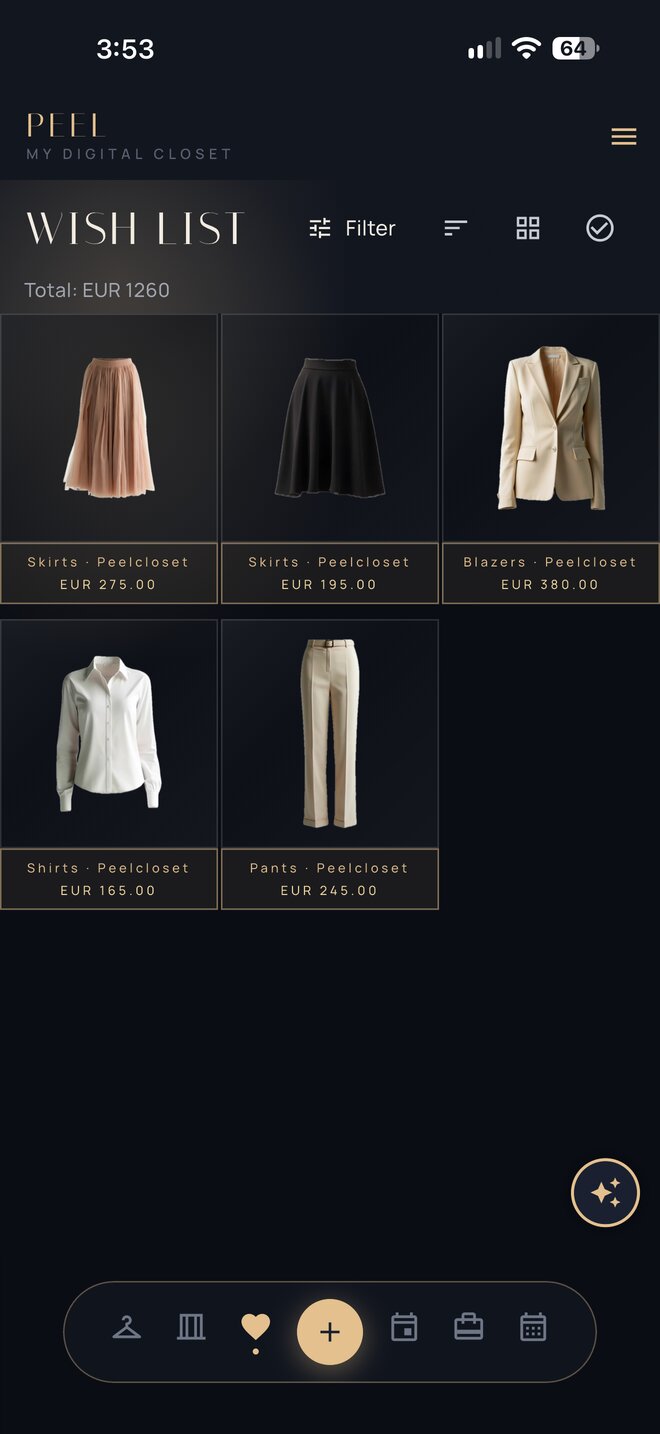
Wish List, in your theme.
Pick a theme and the screens below change with it. Showing Penthouse.
Wish List 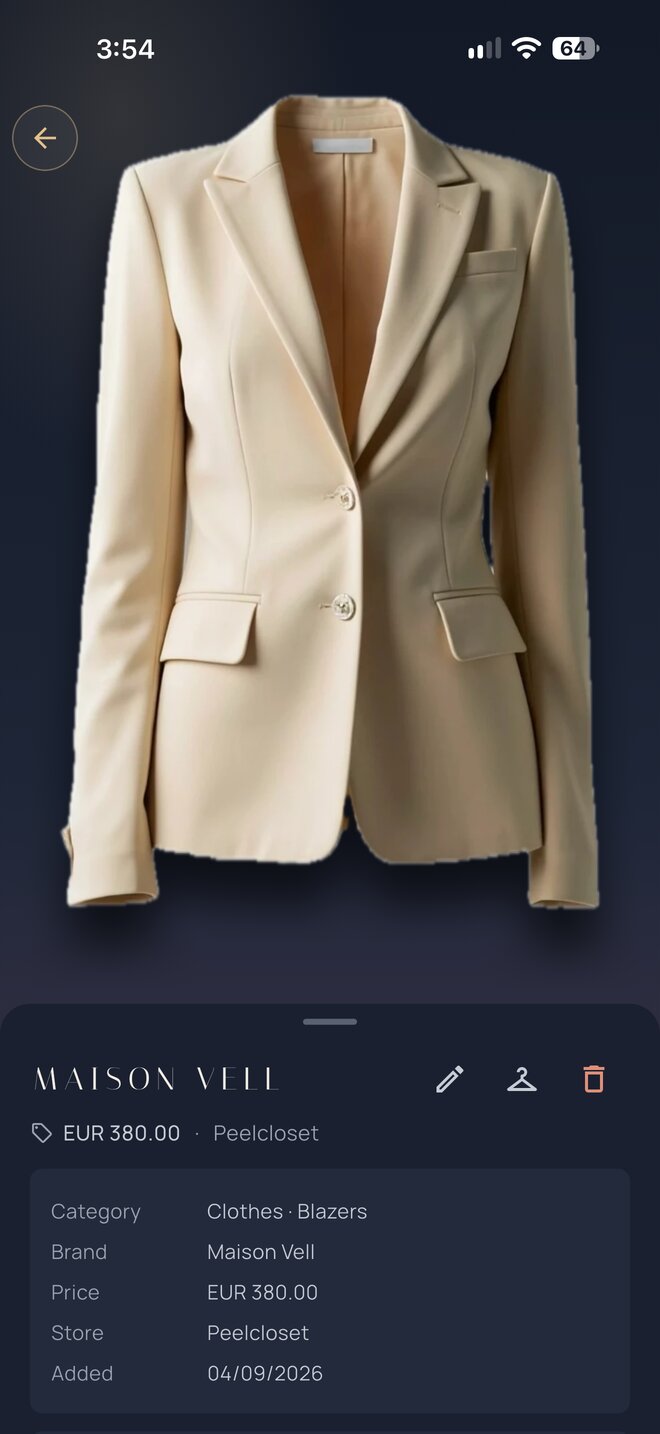
Wish