
Tab 2 of 6
Outfits
From the built-in tour
- You are in the Outfits tabFrom Wardrobe: pick your pieces to create an outfit
- Mix & Match shuffles your clothes into looksSwipe the pieces until it clicks, then save
What it does
Outfits, section by section.
Pick your pieces to create an outfit
Start from the Wardrobe: select a top, a bottom, shoes, whatever the look needs, and save them together as an outfit. The outfit shows the real cutouts, arranged as they would be worn.
Mix & Match
Three lanes — tops, bottoms, shoes — shuffle your own clothes into looks. Swipe any lane until the combination clicks, then save it as an outfit.
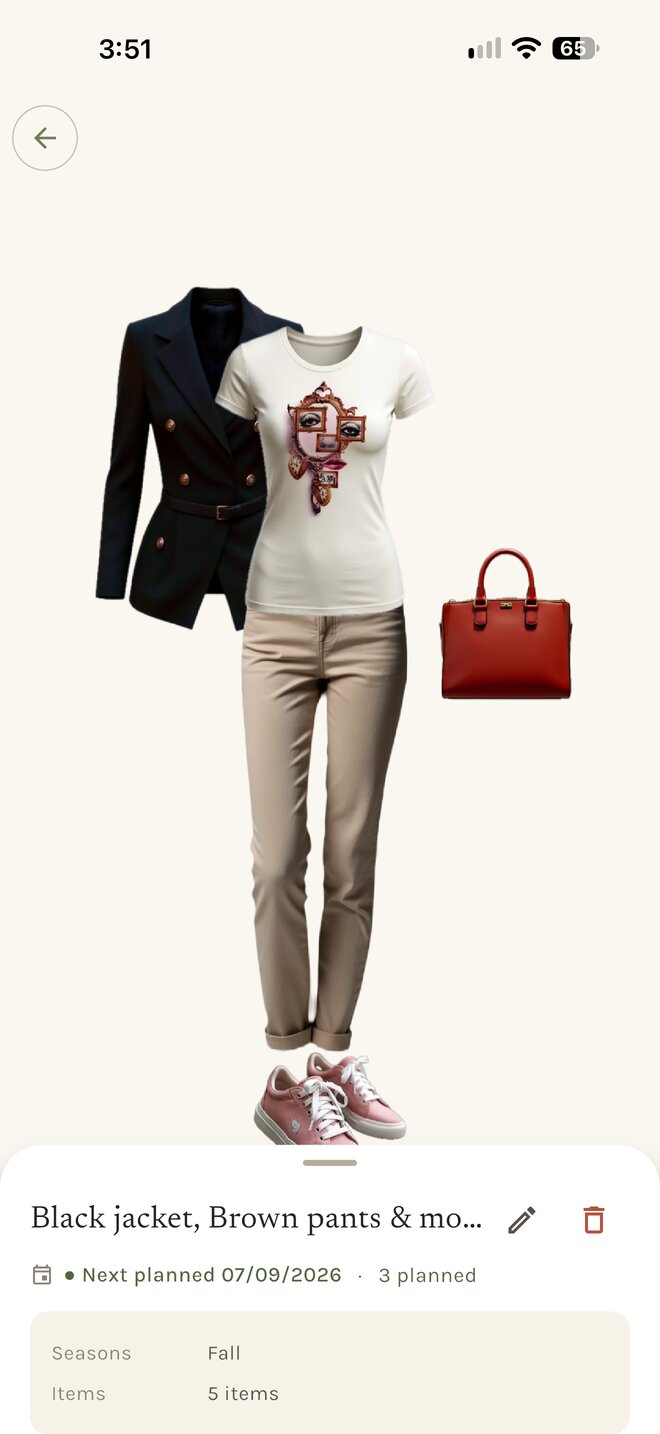
An outfit’s page
Each outfit keeps its pieces, the days you wore it and the days you have planned it for. Rename it, swap a piece, or plan it straight onto the calendar.
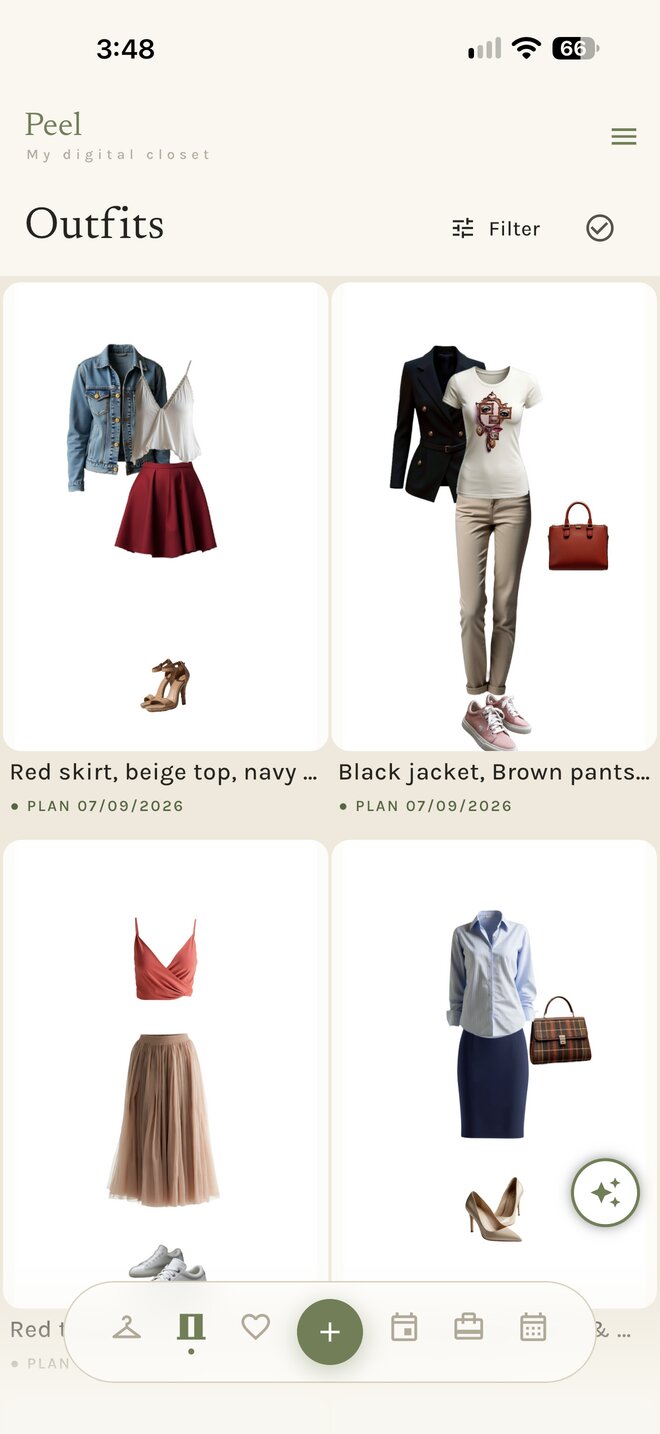
All your looks
The Outfits list keeps everything you have saved, newest first, each with its next planned date.
The + button adds for the tab you are in. In the Outfits tab, + creates a new outfit.
Seven themes
Outfits, in your theme.
Pick a theme and the screens below change with it. Showing Penthouse.
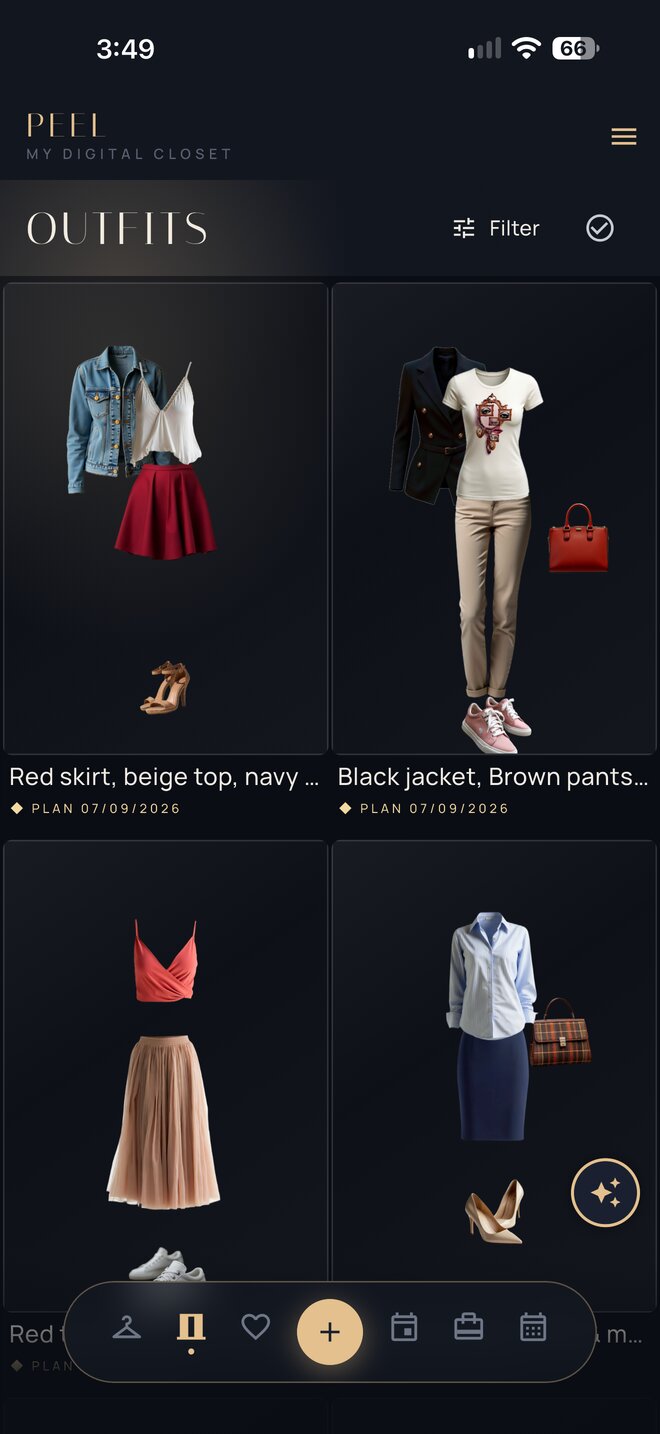
Outfits 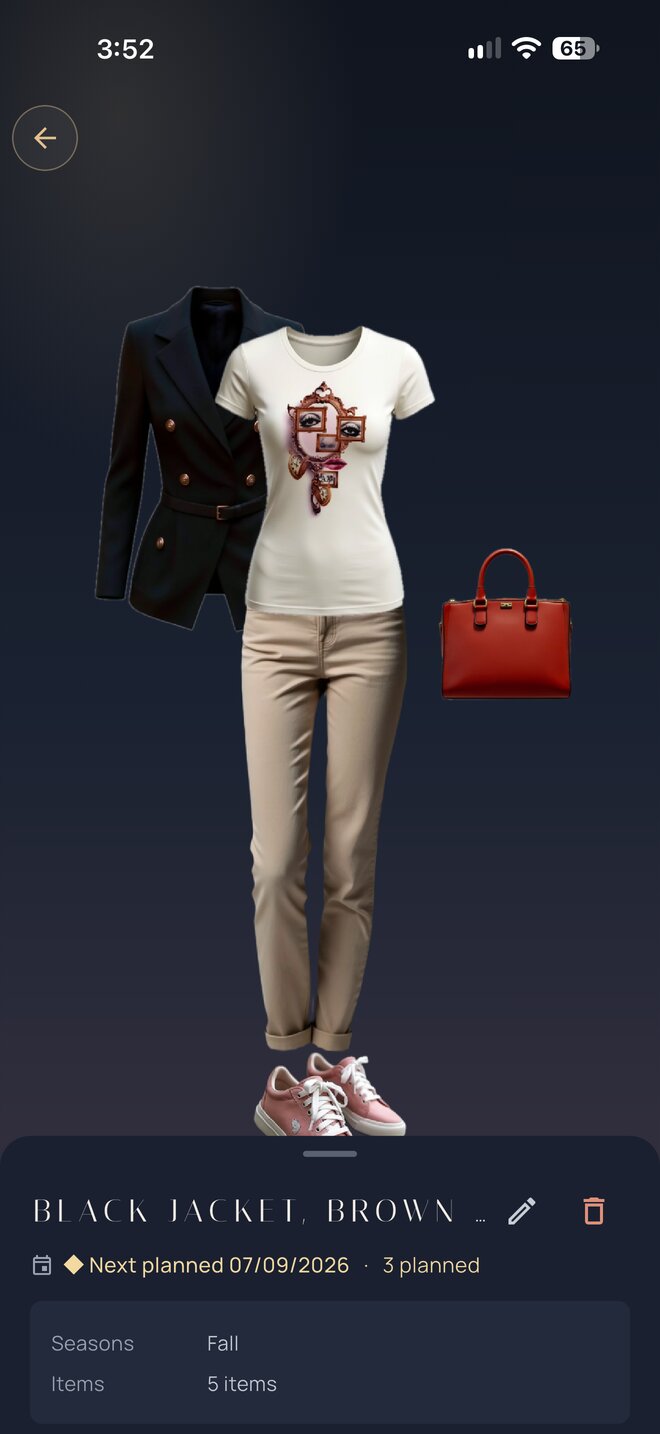
Outfit